

Gallery CleanUp: Photo Cleaner
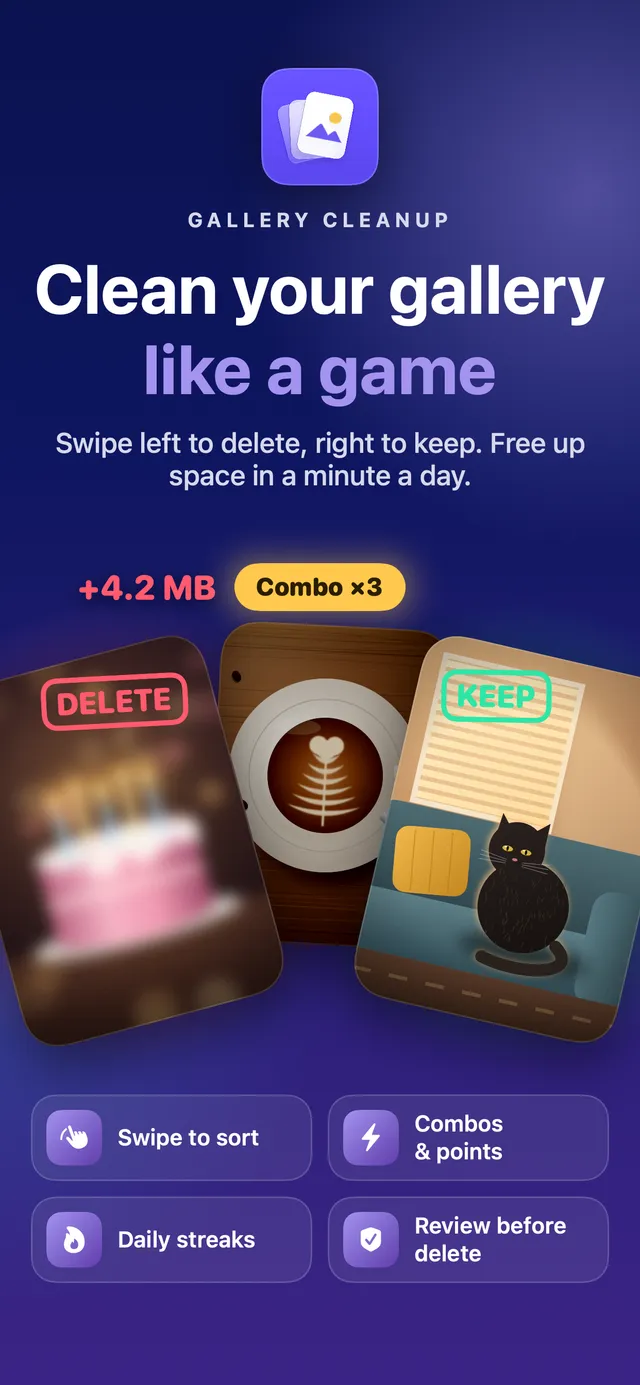
New in 2.0: clean up your gallery like a game. Swipe left to delete, right to keep, build combos, keep your streak alive and free up gigabytes in one-minute rounds.
Screenshots
About the app
Your camera roll is full of photos you'll never look at again. Gallery CleanUp turns clearing them out into a quick game: one card at a time, swipe left to delete, swipe right to keep.
PLAY IN ONE-MINUTE ROUNDS
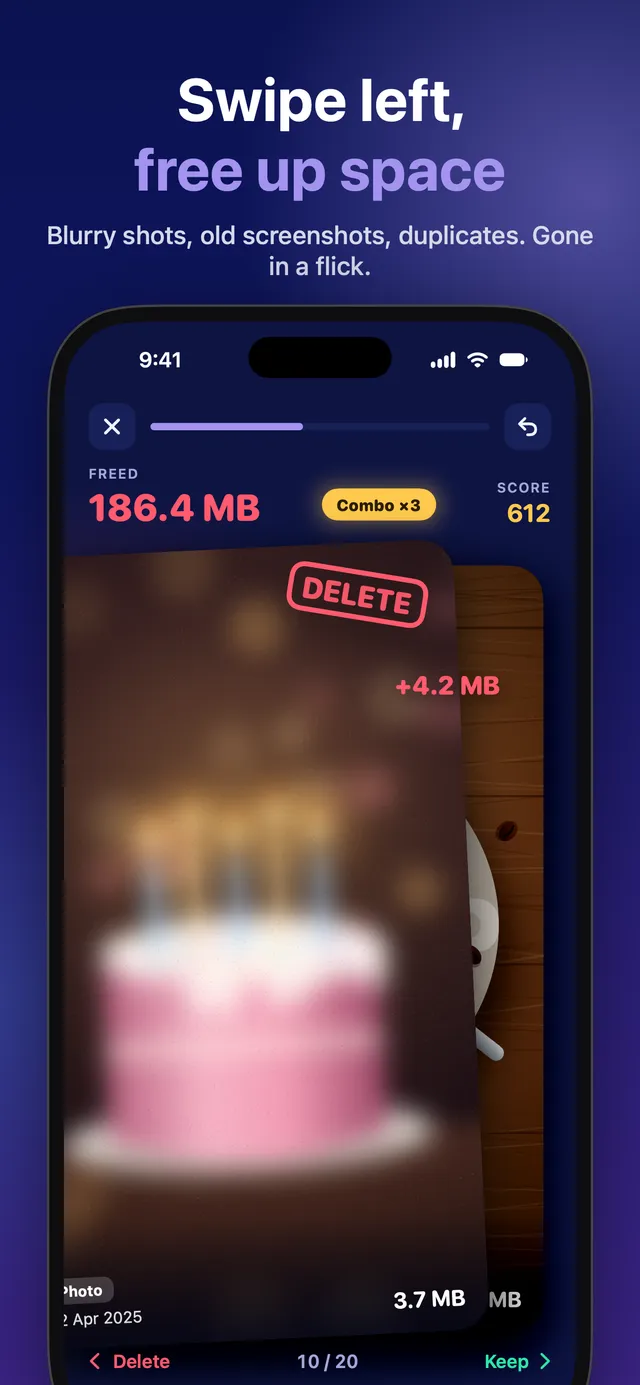
- Each round deals 20 photos and videos as cards
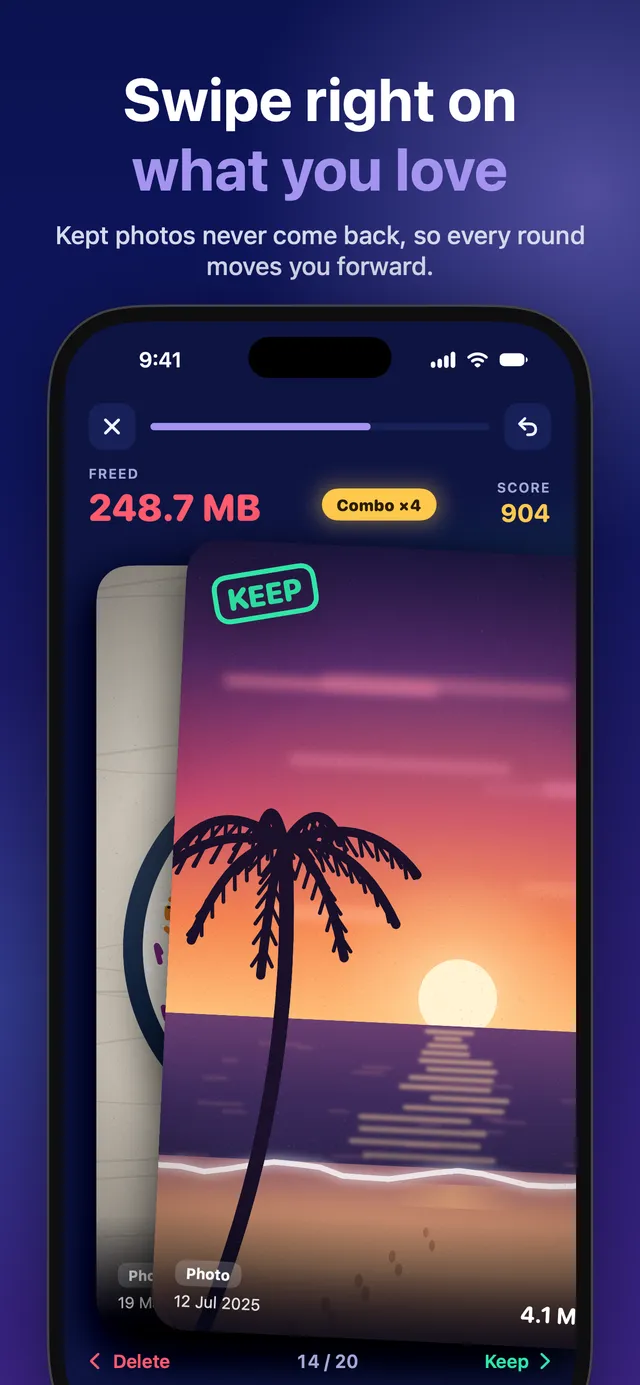
- Swipe left to delete, swipe right to keep
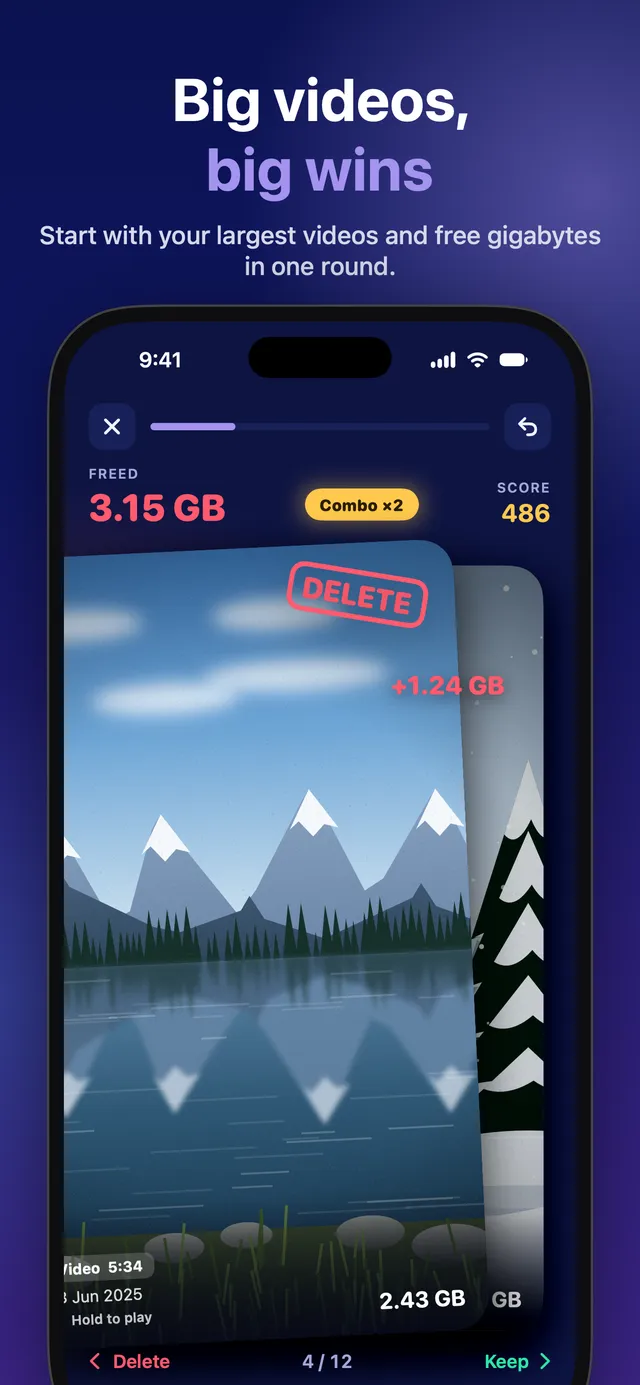
- Quick decisions build a combo up to ×5 and push your score up
- Every deletion shows how much space it frees, live
NOTHING IS DELETED BY ACCIDENT
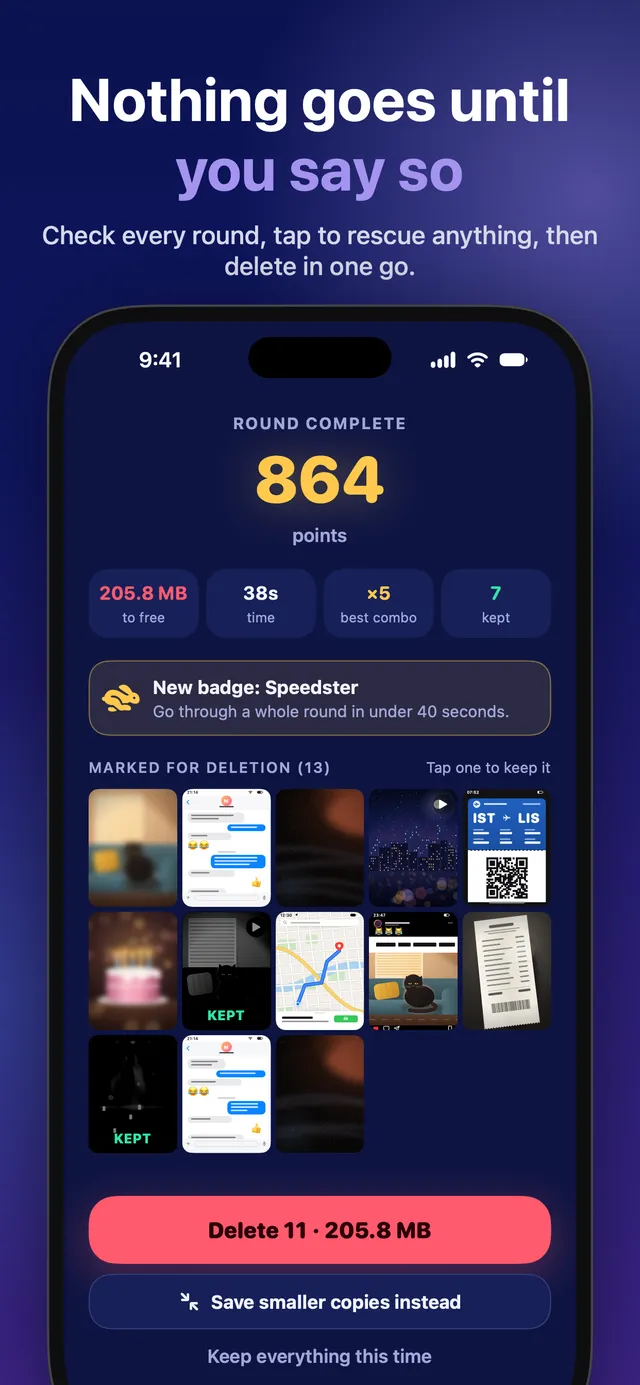
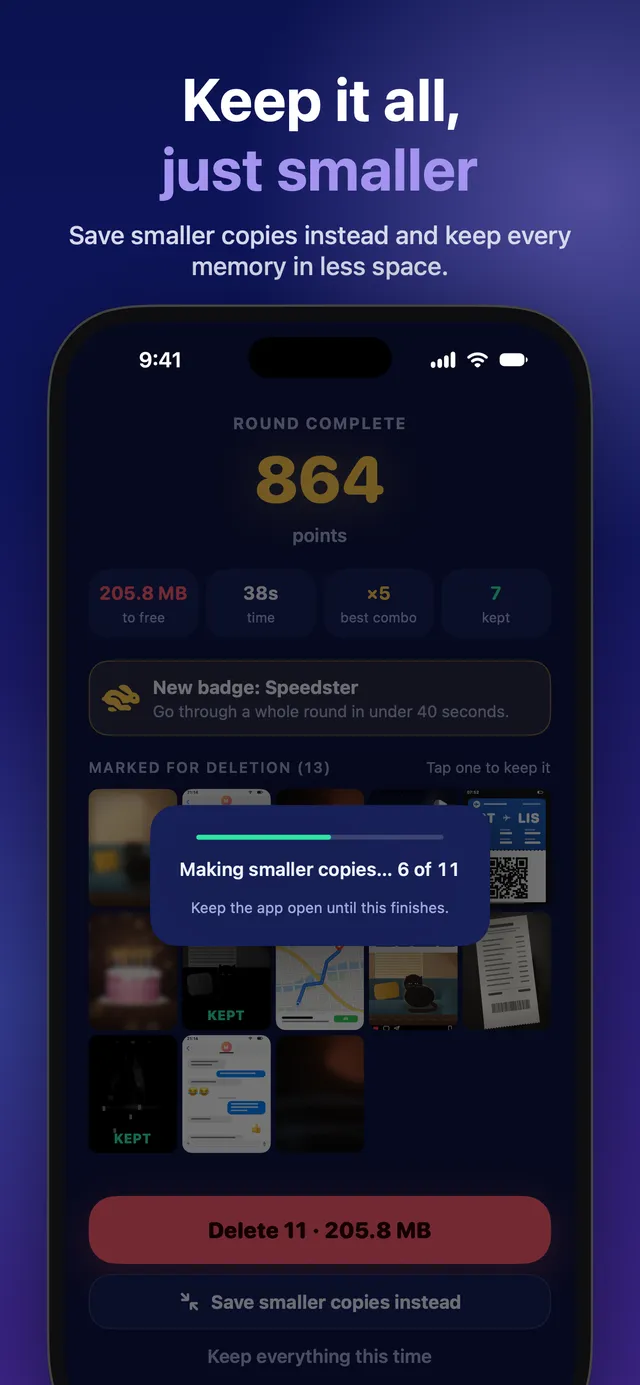
- At the end of a round you see everything you've marked
- Tap any photo to keep it after all, or hold it for a full preview
- Delete them all with one confirmation from iOS
- Deleted items stay in Recently Deleted for 30 days
SAVE SPACE WITHOUT LOSING THE MOMENT
- Instead of deleting, save smaller copies of photos and videos
- Dates, places and favourites are kept
PICK A DECK
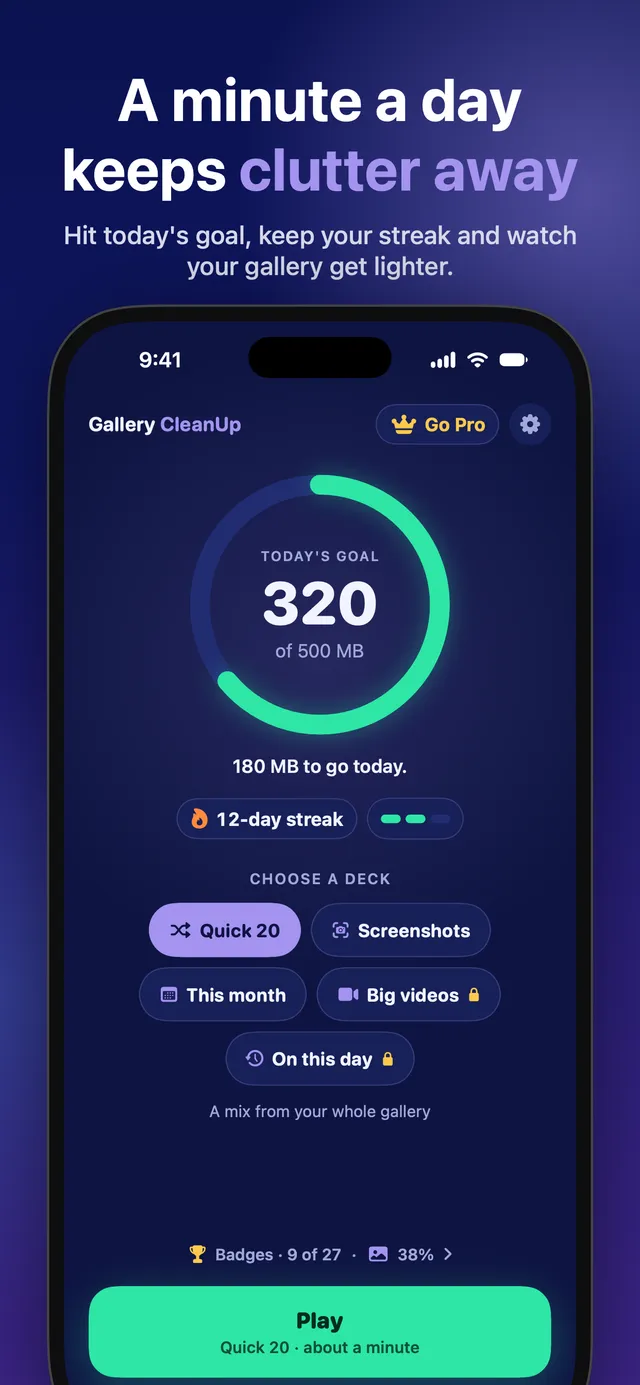
- Quick 20: a mix from your whole gallery
- Screenshots: oldest first, the easiest wins
- This month: sort out what you've just taken
- Big videos: the files that take up the most space (Pro)
- On this day: memories from this date in past years (Pro)
STAY ON TRACK
- A daily space goal and a day streak
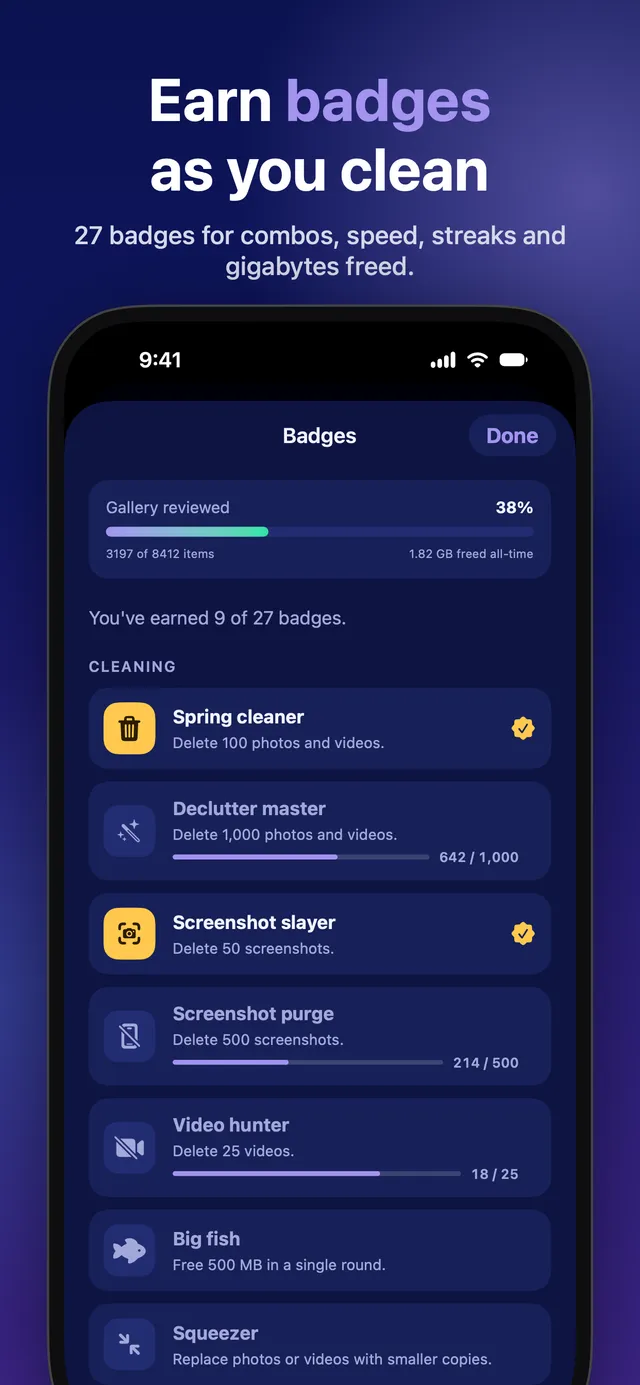
- 27 badges, from First clean to Storage legend
- See how much of your gallery you've reviewed
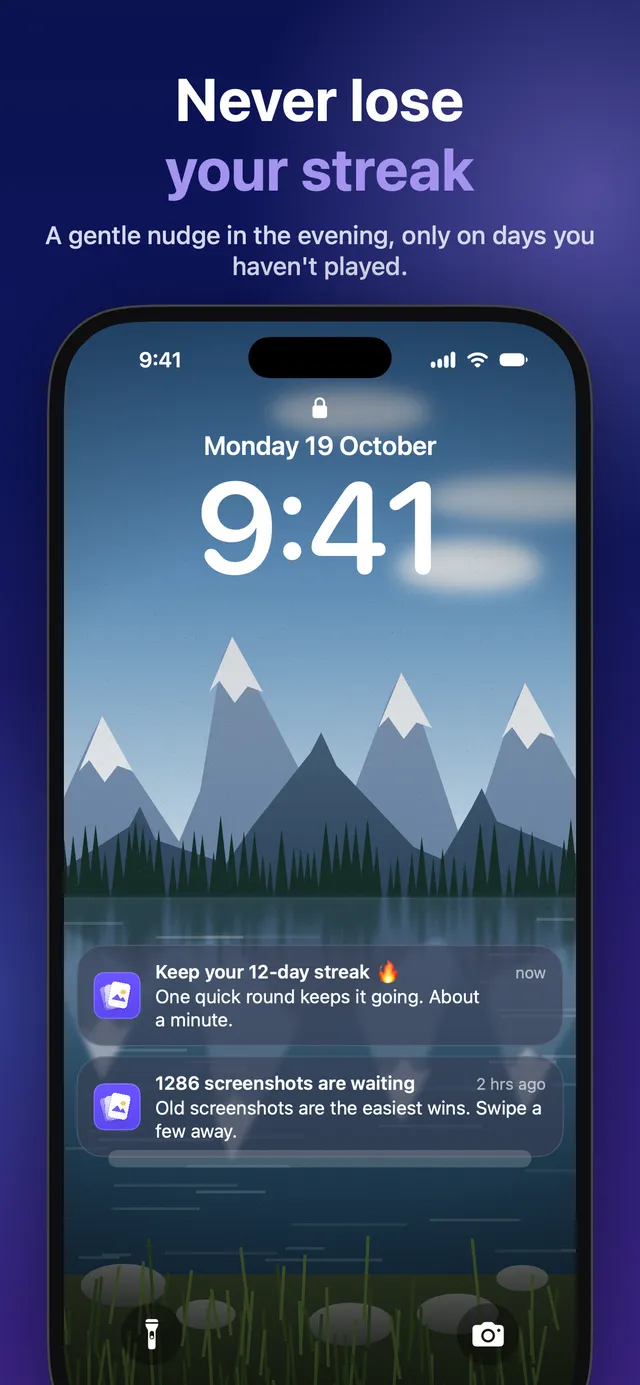
- Optional reminders, only on days you haven't played
- Photos you keep never come back, so every round moves you forward
PRIVATE BY DESIGN
- Your photos and videos never leave your iPhone or iPad
- No account, no sign-up
- Works with limited photo access too
FREE AND PRO
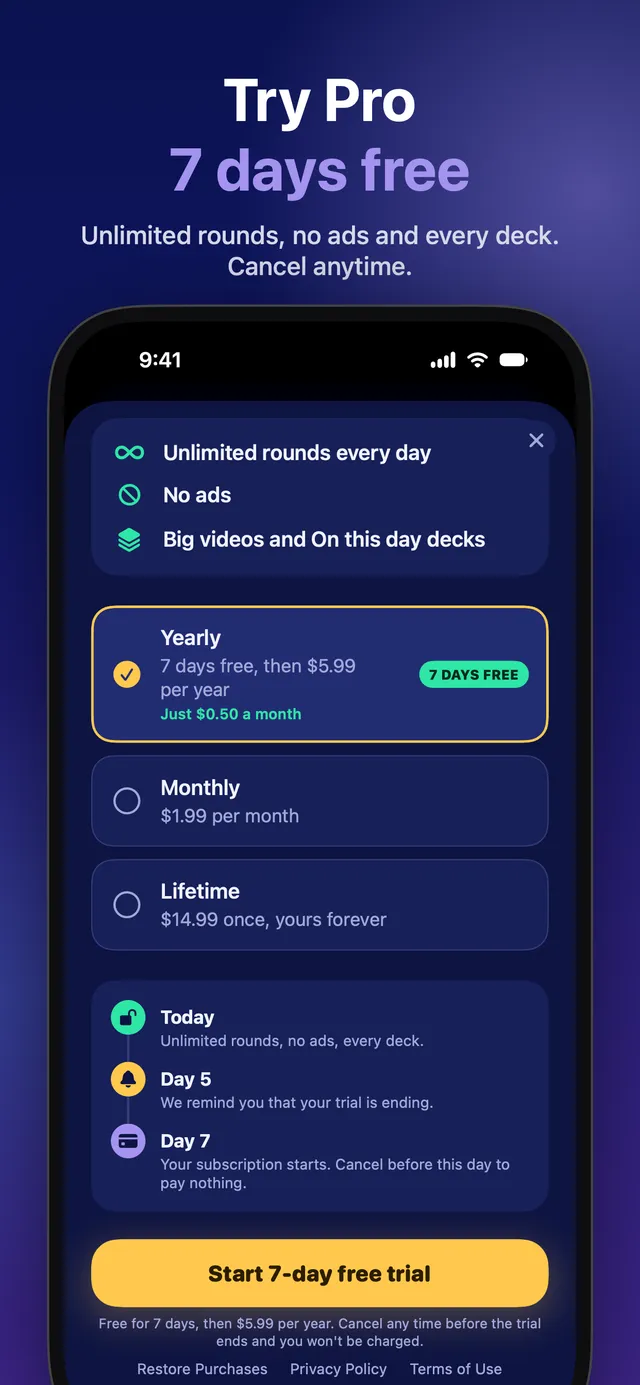
Gallery CleanUp is free with 3 rounds a day and no ads.
Gallery CleanUp Pro gives you unlimited rounds and every deck. Choose a monthly or yearly subscription (the yearly plan may include a free trial) or a one-off lifetime purchase. Subscriptions renew automatically unless cancelled at least 24 hours before the end of the period, and can be managed in Settings › Apple Account › Subscriptions.
Other languages
- English
- English (UK)
- English (Australia)
- English (Canada)
- العربية
- Català
- Čeština
- Dansk
- Deutsch
- Ελληνικά
- Español
- Español (México)
- Suomi
- Français
- Français (Canada)
- עברית
- हिन्दी
- Hrvatski
- Magyar
- Bahasa Indonesia
- Italiano
- 日本語
- 한국어
- Bahasa Melayu
- Nederlands
- Norsk
- Polski
- Português (Brasil)
- Português (Portugal)
- Română
- Русский
- Slovenčina
- Svenska
- ไทย
- Türkçe
- Українська
- Tiếng Việt
- 简体中文
- 繁體中文